Access Data Touch
Data Touch uses HTTPS by default. Nginx manages incoming traffic, so you can access the Data Touch interface by using the IP address of the host machine without specifying a custom port.
Note
The host IP is the IP address of the machine where Data Touch is installed.
To access Data Touch, open the following URL in a web browser:
Text Only
https://<host_ip>
Create a Data Touch user
Before signing in to Data Touch, create a user in Dataskope Console.
- In Dataskope Console, go to Settings > Users.
- Select + New.
- Enter a User Name and Password.
- Select Use Data Touch from Account Information.
- Save the user.
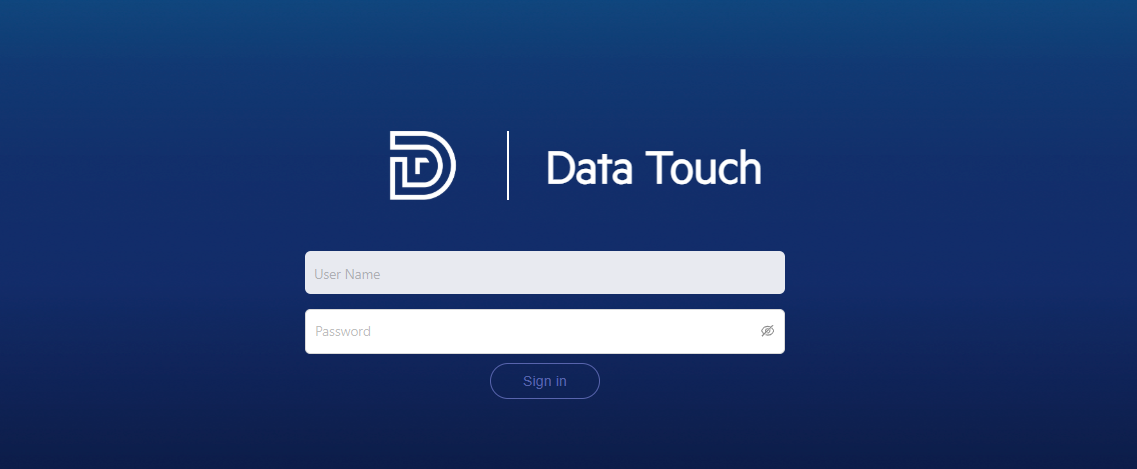
Sign in to Data Touch
After you create the user:
- Open the Data Touch URL in a web browser.
- Enter the User Name and Password configured in Dataskope Console.
- Select Sign in.